
Post the details
Date, time, rate, location and pharmacy requirements.
PHARMACY RELIEF STAFFING, SIMPLIFIED
ReliefClix connects pharmacy managers and owners with relief pharmacists ready to work. Post an open shift or find your next opportunity from the app.

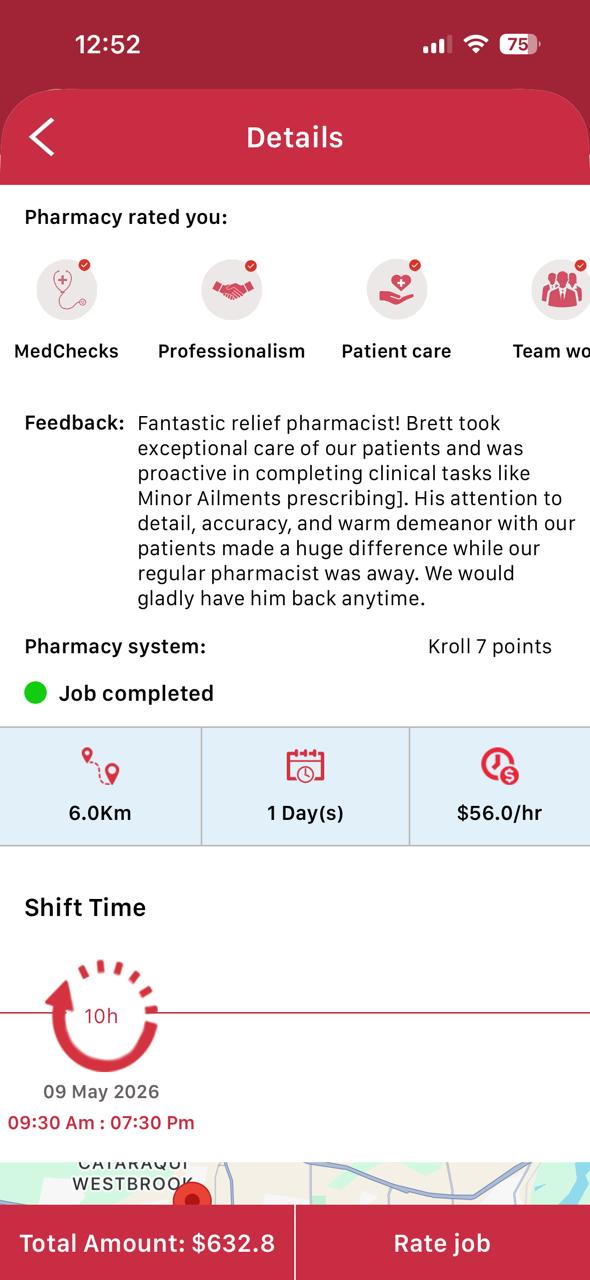
ONE PLATFORM, TWO SIMPLE PATHS
Share the requirements and send a clear request to ReliefClix.
Send a shift request →Register through the app and discover open shifts.
Register as a pharmacist →HOW IT WORKS
Give pharmacists the information they need, review suitable applicants and keep your coverage moving. Download the APP →
Date, time, rate, location and pharmacy requirements.
See recommendations by proximity, rating and experience.
Track requests, confirmations, messages and payment activity.
FOR PHARMACY MANAGERS & OWNERS
ReliefClix brings the key steps together so you can set your requirements, review pharmacists and approve the right fit.
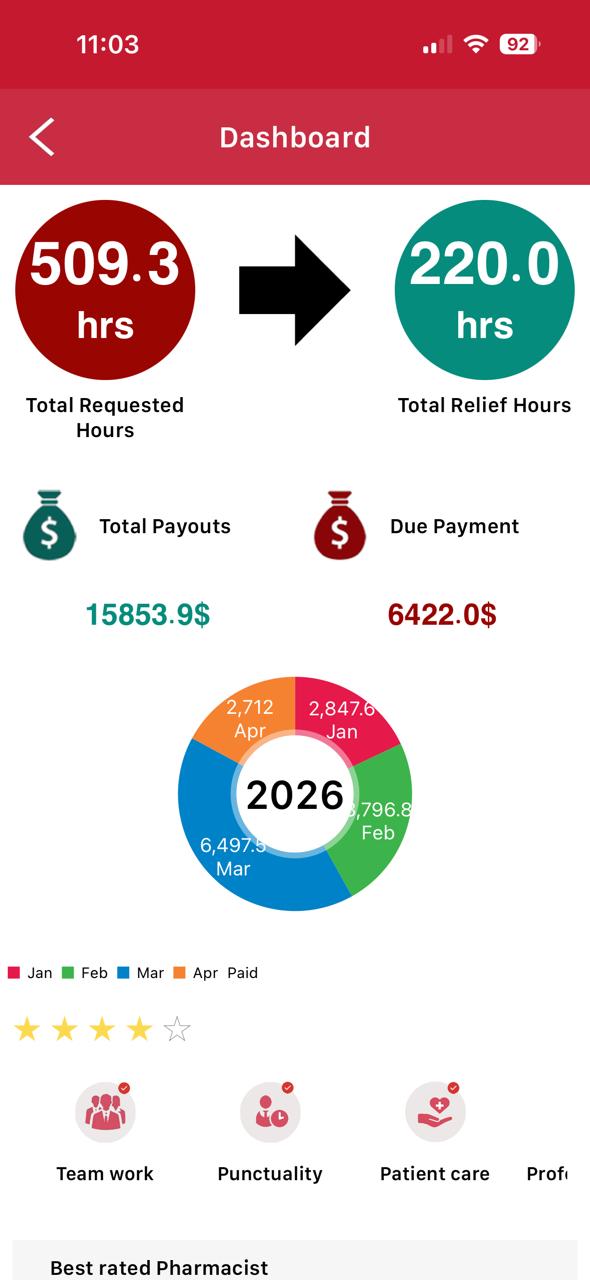
INSIDE THE MANAGER APP
From adding your pharmacy to reviewing nearby, highly rated pharmacists, ReliefClix keeps the workflow clear in one place. Download the APP →
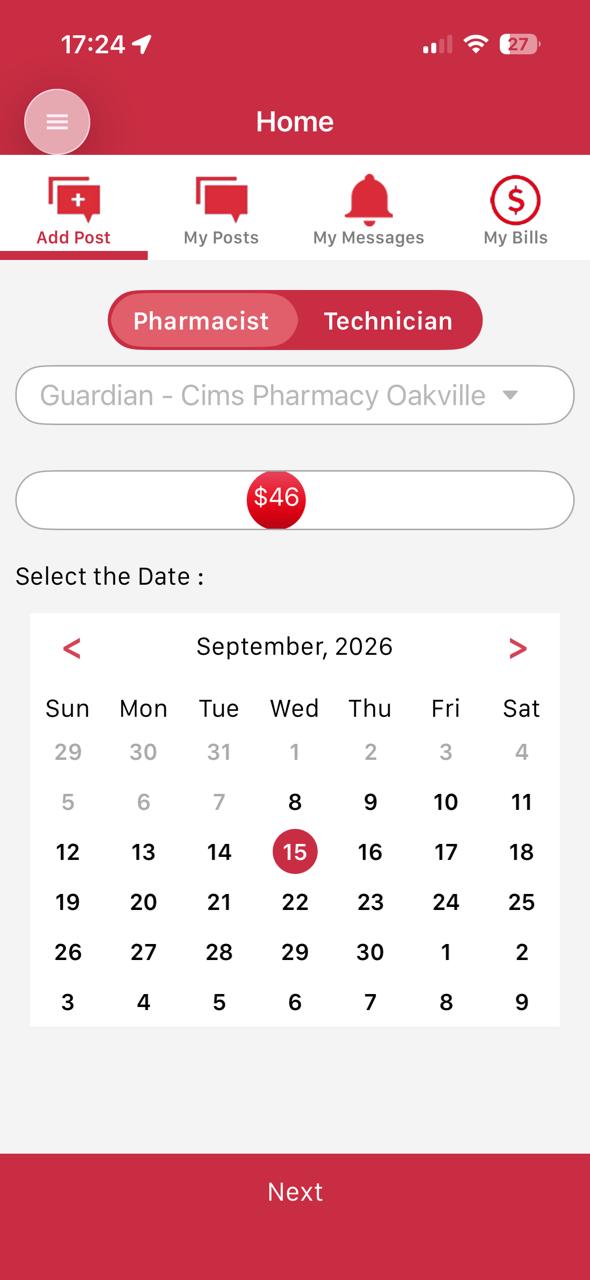
Choose the hourly rate that applies to the shift.
Select one or more dates for the open shift.
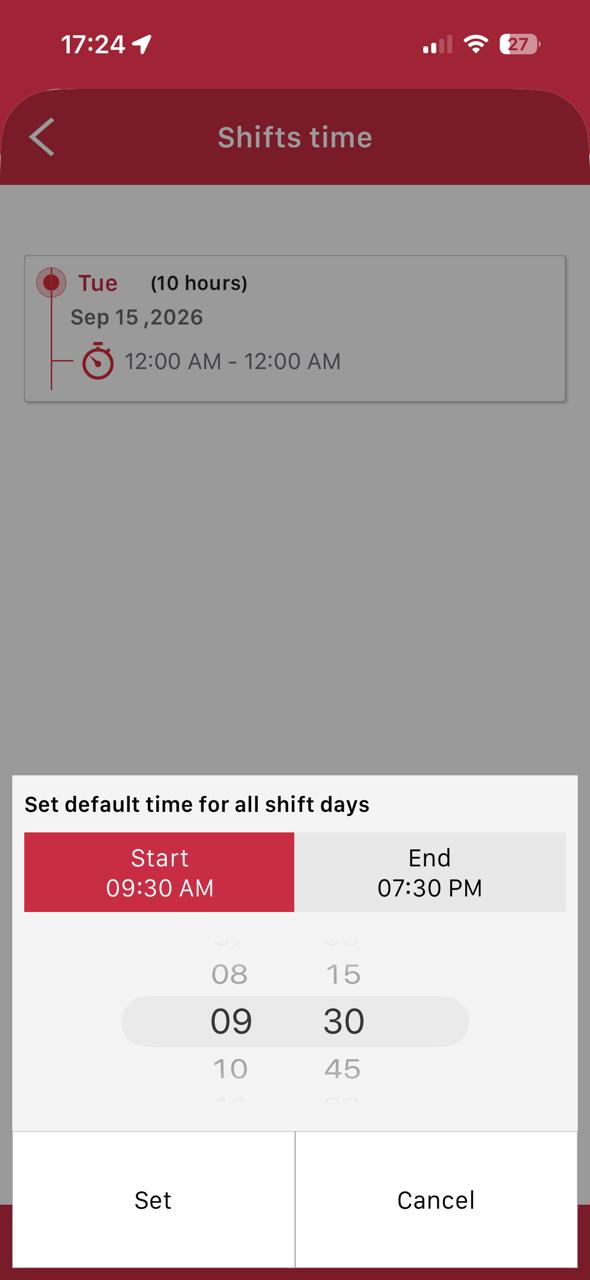
Set the start and end time for the pharmacist.
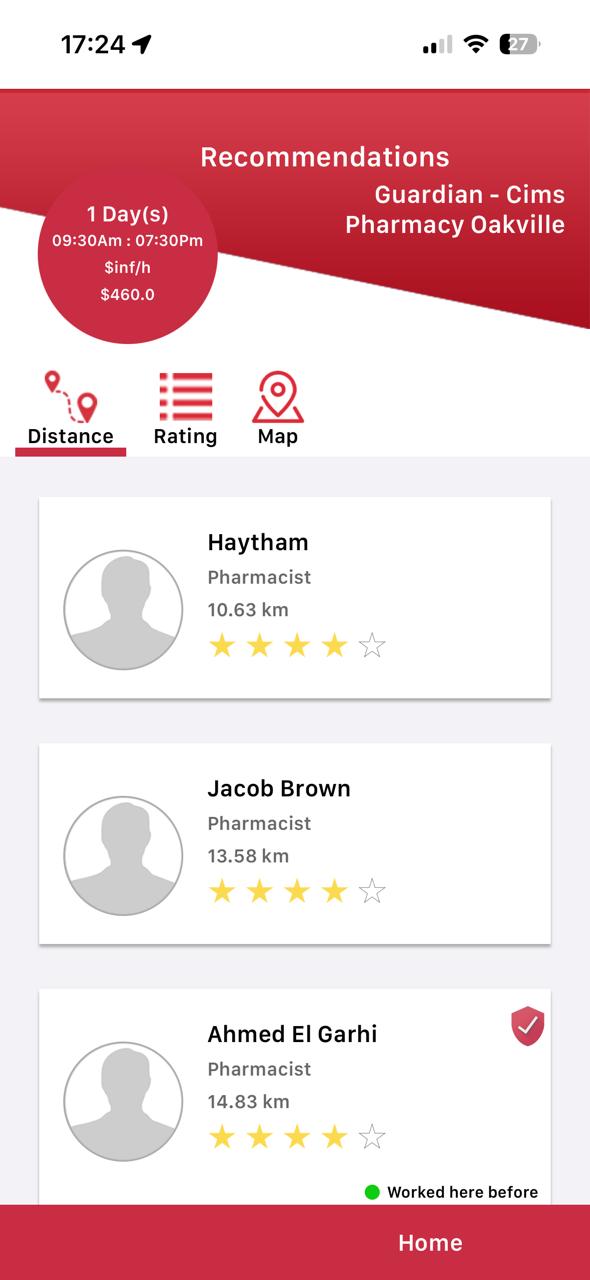
Send the request and review pharmacist recommendations.
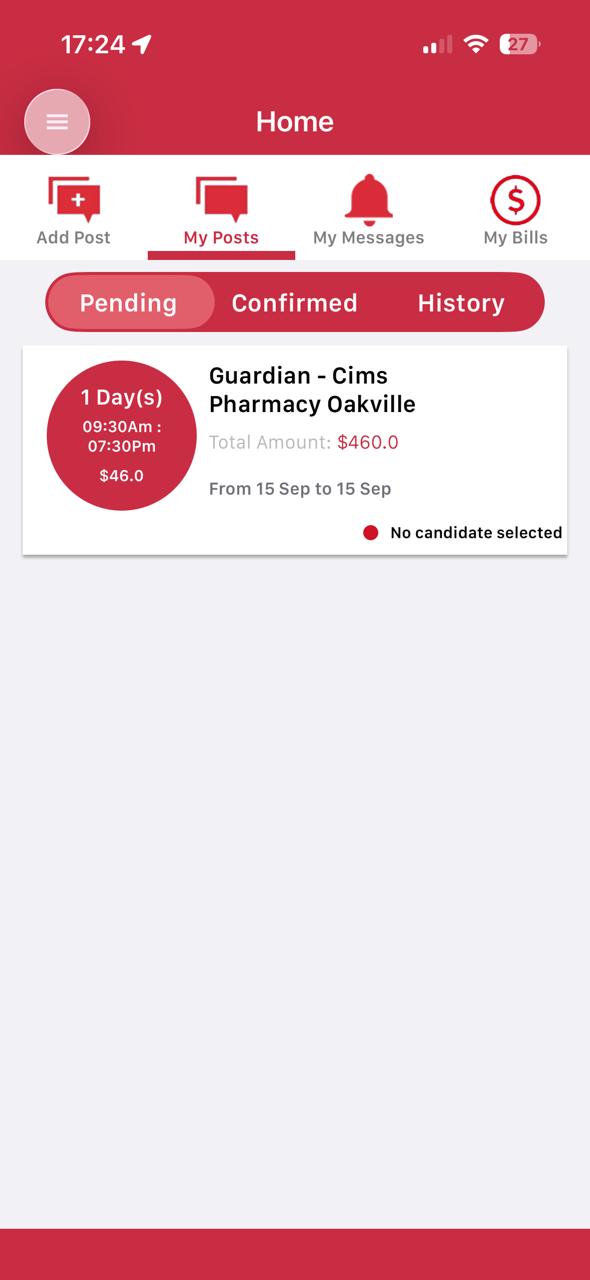
Monitor pending, confirmed and past shift activity.
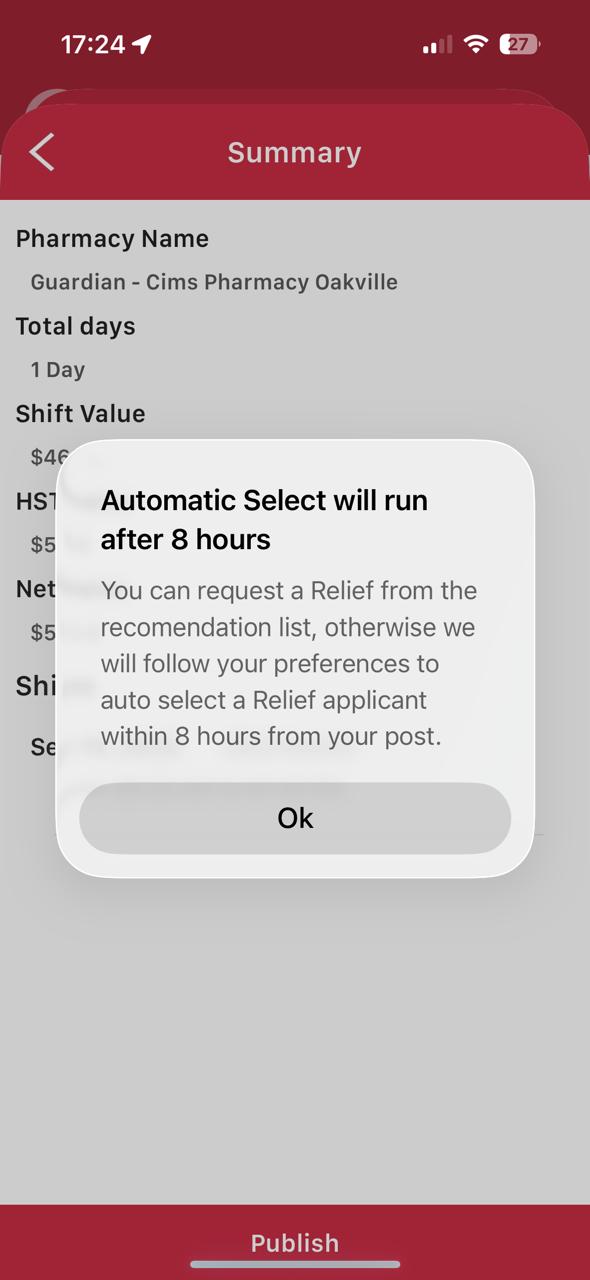
When activated, Auto Select helps move the matching process forward.
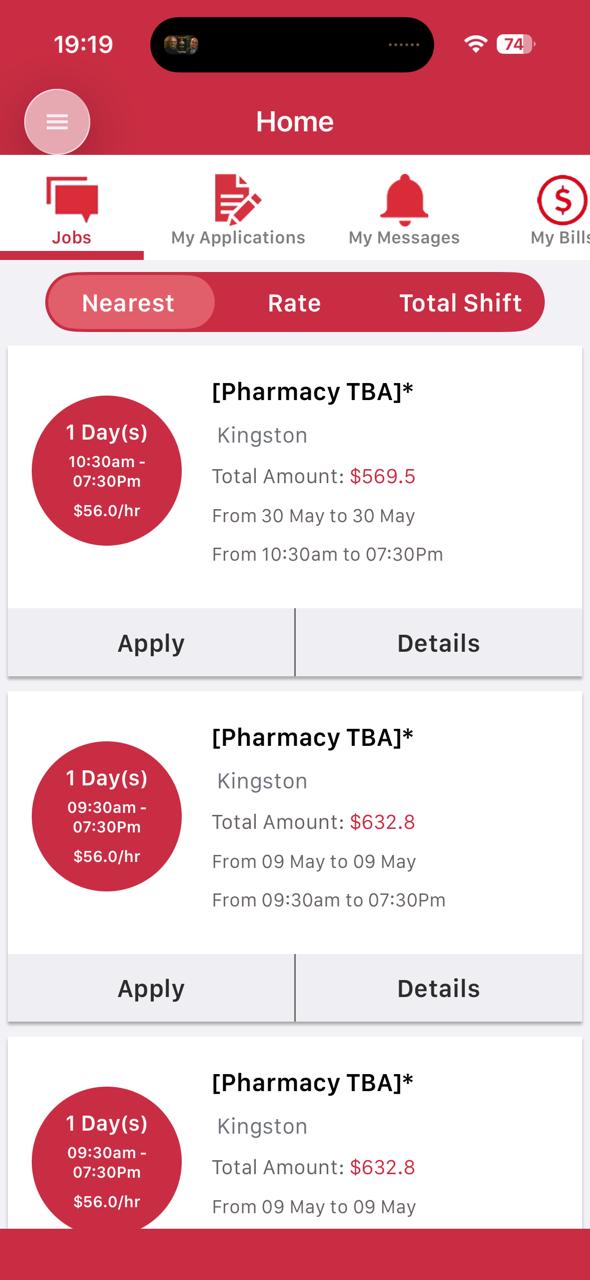
FOR RELIEF PHARMACISTS
Register now to access ReliefClix, review opportunities and take the next step toward more flexibility in your work.
See all download options →FOR PHARMACY MANAGERS & OWNERS
Complete the form, then choose email or WhatsApp. The fastest option is posting through the ReliefClix app. Download the APP →
RELIEFCLIX APP
Scan the ReliefClix QR code or choose your device below.


 Download the APPScan to open the app download link
PROMO CODES
Zero admin or posting fees, plus an additional 5% discount on the total shift value. Download the APP →
REFERRAL OFFER
Refer another pharmacy manager and both of you get $100 from their posted relief shift.
FAQ
ReliefClix is a platform that connects pharmacies with qualified relief pharmacists. Pharmacy managers can post shifts, while pharmacists can browse and accept opportunities that match their availability.
ReliefClix is designed for licensed pharmacists seeking relief work, pharmacy owners and managers looking to fill shifts, and multi-location pharmacy operators managing staffing across multiple sites.
Pharmacy managers post available shifts, and pharmacists can apply for opportunities that match their availability and qualifications. ReliefClix helps simplify scheduling, communication, and administrative processes throughout the hiring workflow.
When enabled, Auto Select automatically helps identify pharmacists who best match your preset shift requirements. The system considers qualifications, ratings, and proximity to your pharmacy.
ReliefClix uses a simple per-shift pricing model for pharmacies. Pharmacists can create an account and browse opportunities at no cost. Managers can create posts at no cost and may benefit from new-customer discounts.
After creating an account, managers can enter shift details including date, time, location, requirements, and compensation. Qualified pharmacists can then view and respond to the posting.
Pharmacists can create a profile, set their availability, and browse available shifts in their preferred locations. Keeping a complete profile up to date increases visibility to pharmacy managers.
Yes. ReliefClix includes tools designed to help owners and managers oversee staffing across multiple pharmacy locations from a single account.
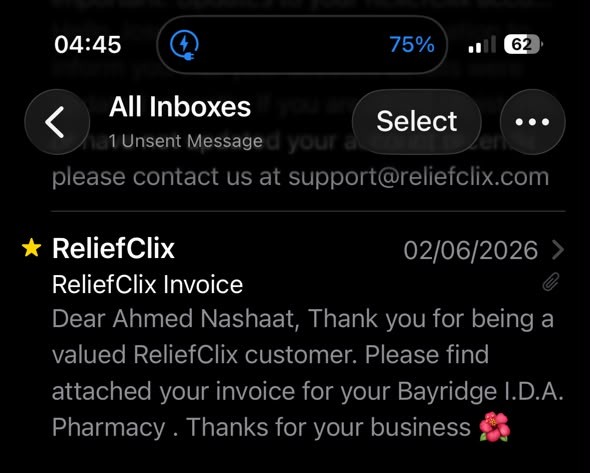
Yes. ReliefClix helps simplify the administrative process by providing automated invoicing and record management tools for completed shifts.
Yes. ReliefClix helps simplify the administrative process by automatically generating contracts and agreements once a pharmacist has been selected for a specific shift.
Yes. ReliefClix regularly offers promotional codes and special discounts for new pharmacy managers. Email support@reliefclix.com or register your pharmacy in the app to learn about current promotions.
ReliefClix helps pharmacies fill shifts faster while reducing administrative work through online shift posting, pharmacist matching, automated contracts, invoicing, and multi-location management tools within one platform.
LET’S CONNECT